
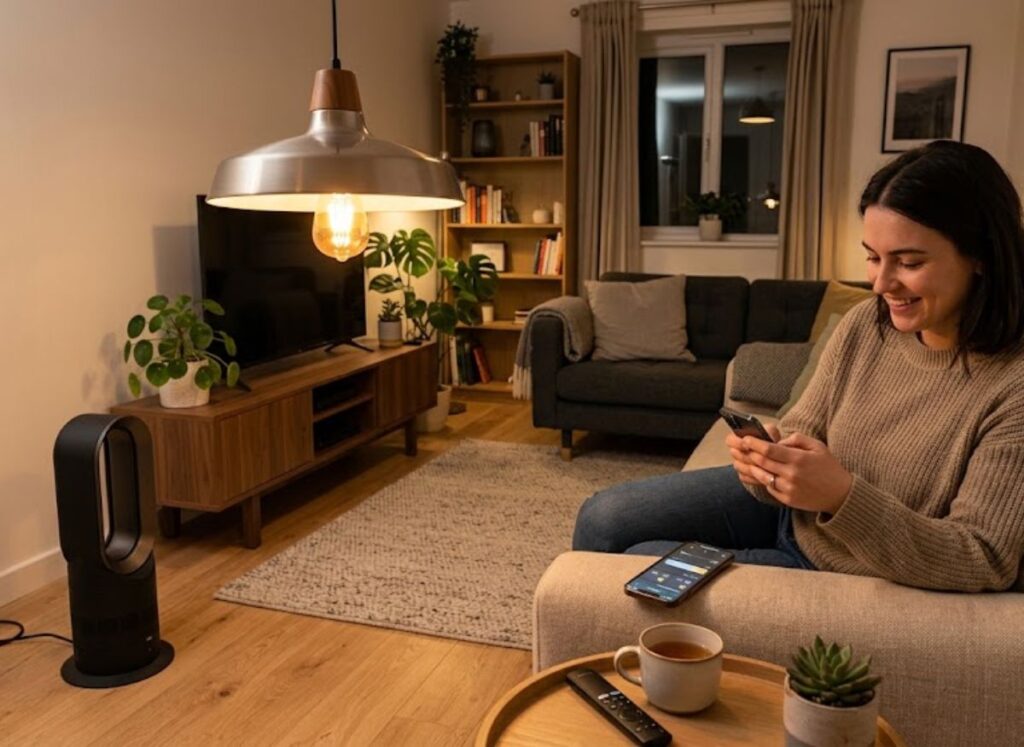
A smart home simply means everyday devices, like lights, plugs, cameras, and thermostats, that connect to your Wi Fi and can be controlled from your phone or by voice. It sounds high-tech, but you don’t need a huge budget or any special skills to get started. If you’ve been putting off the idea because it seems expensive, learning how to set up a smart home affordably is easier than most people expect.
The good news is that you can begin with one or two devices and grow from there. This guide walks through practical, low cost ways to set up a smart home step by step, so you can automate what matters most without overspending on gadgets you’ll never use.
Start With a Single, Clear Goal
Before buying anything, decide what problem you actually want to solve. Do you want lights that turn on at sunset, a way to check who’s at the door, or a thermostat that adjusts itself while you’re away? Picking one clear goal keeps your first purchase focused. Most people who try to set up a smart home all at once end up with mismatched gadgets sitting in a drawer.
Think about your daily habits. If you always forget to turn off lamps, start there; if security is your main concern, a doorbell camera might be the better first step.
Set a Realistic Budget
You don’t need hundreds of dollars to begin. A sensible way to set up a smart home on a budget is to list devices in order of importance, then buy only the top one or two first.
It also helps to separate “nice to have” from “actually useful.” A voice controlled coffee maker sounds fun, but a smart plug that shuts off a space heater might genuinely improve your safety and your bill. Prioritizing usefulness over novelty keeps costs down while you build a budget smart home that gets used.
Choose a Smart Home Ecosystem Early
One of the most common beginner mistakes is buying devices from different brands without checking whether they work together. Before you set up a smart home, decide which ecosystem you’ll build around such as the one tied to your phone’s operating system, or a widely supported voice assistant.
Checking compatibility upfront saves money later, since you won’t replace a device that doesn’t sync with your setup. If you’re looking for more ideas, explore these smart home automation devices that can make everyday tasks easier and more convenient.
Begin With Smart Lighting
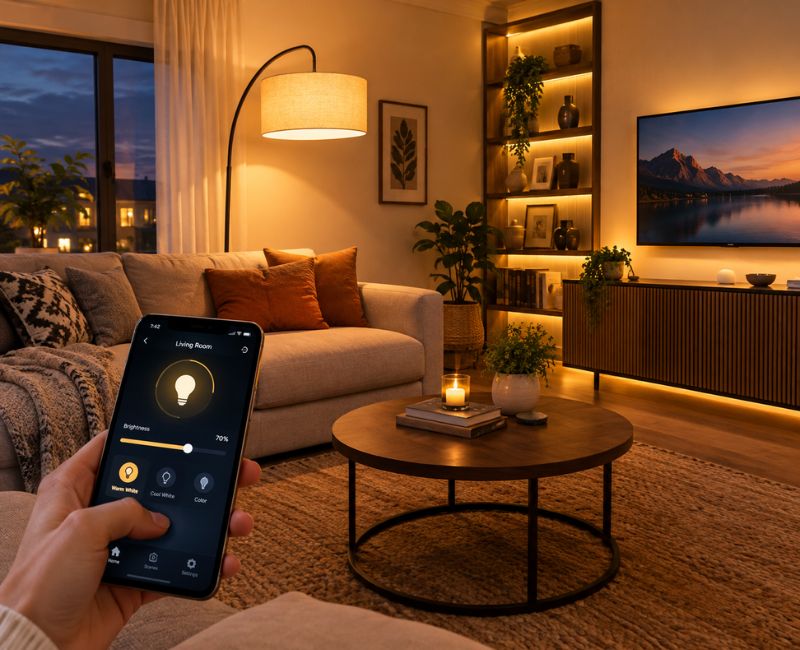
Lighting is one of the cheapest, most satisfying places to start. A single smart bulb or switch can replace an existing fixture without wiring changes, and the improvement is noticeable immediately. Many people choose to set up a smart home lighting routine first because it needs no professional installation.
Start with one or two rooms rather than replacing every bulb in the house. A living room lamp on a schedule, or a hallway light that turns on when it senses motion, gives you a real feel for smart lighting before you invest further.
Add Smart Plugs for Instant Automation
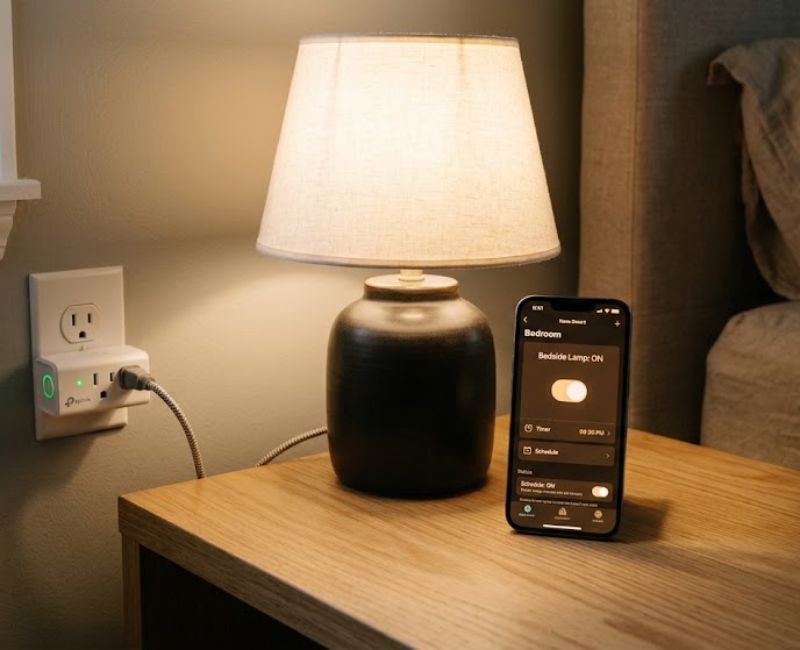
Smart plugs are one of the most underrated tools available to anyone trying to set up a smart home cheaply. Instead of replacing an appliance, you plug the device into a smart plug, and the plug becomes controllable from an app or voice command.
This means a fan, lamp, or coffee maker can turn on and off on a schedule without buying a “smart” version of that appliance. Smart plugs are inexpensive and often deliver more everyday value per dollar than flashier gadgets.
Decide Whether You Need a Smart Speaker or Hub
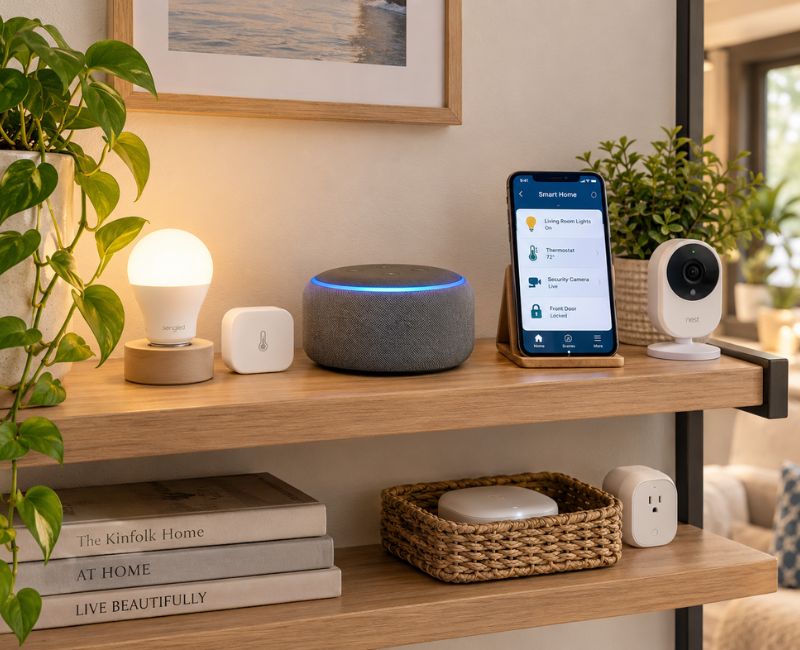
Beginners often assume a hub is required to set up a smart home, but that isn’t true. Some devices connect directly to your Wi Fi and work through a phone app alone. A hub or smart speaker becomes useful once you own several devices and want one way to control them with voice commands.
If you’re only starting with lighting or a plug or two, skip this for now and add a hub later, once juggling separate apps becomes inconvenient.
Improve Home Security Without Overspending
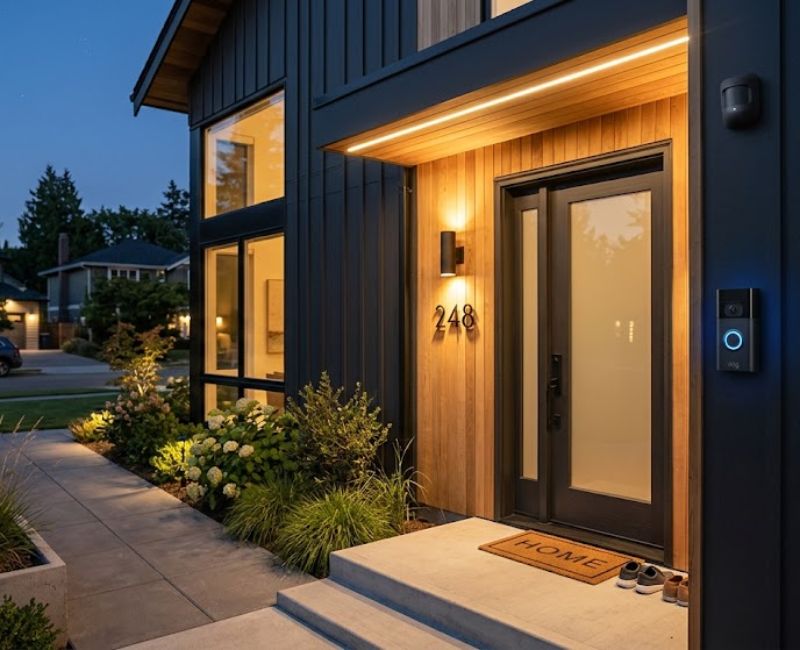
Security is often where people feel pressure to spend the most, but you can set up a smart home security layer without buying everything at once. A single smart doorbell or battery-powered entry sensor already gives meaningful peace of mind, and motion-triggered outdoor lighting is another low-cost option.
Avoid buying a full camera system right away. Instead, choose one device that addresses your biggest concern package theft, a specific entry point, or simply wanting to see who’s outside before opening the door. For more complex installations or professional advice, you can also learn when it’s worth hiring a smart home automation company near me.
Automate Heating and Cooling Gradually
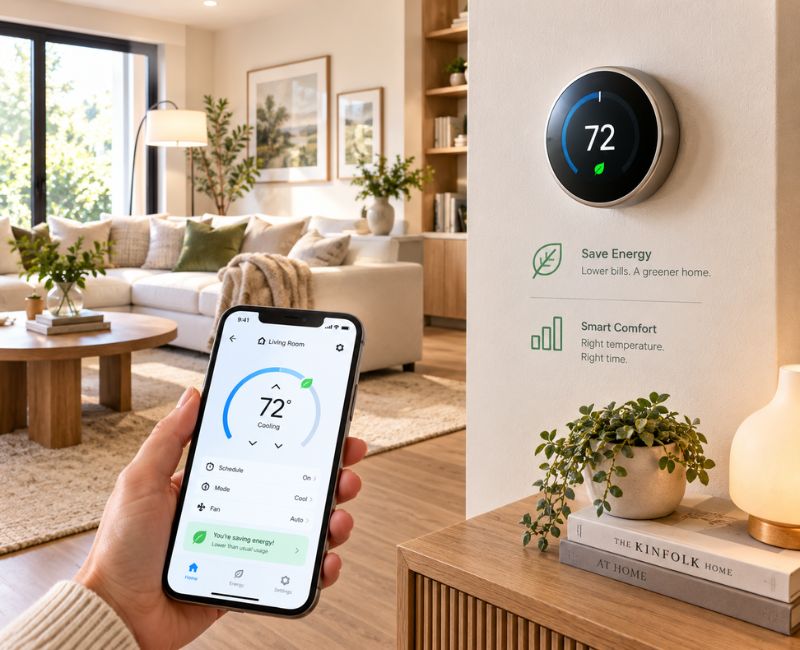
A smart thermostat can be one of the pricier additions, so many wait until they’re comfortable with the rest of their setup before buying one. Once installed, it adjusts temperatures based on your schedule or whether anyone is home, cutting energy waste with no daily effort.
If a full thermostat isn’t in budget yet, a smart plug connected to a space heater or window fan offers a smaller version of the same convenience a reasonable way to set up a smart home comfort routine early.
A Simple Smart-Home Starter Plan
This table can help you decide where to put your money first when you set up a smart home for the first time.
| Device | Main Purpose | Budget Priority | Good Starting Point? |
| Smart bulb or switch | Lighting control and schedules | High | Yes cheap and easy |
| Smart plug | Turns regular appliances into automated devices | High | Yes very versatile |
| Smart speaker or hub | Voice control and central management | Medium | Only after 2 3 devices |
| Motion sensor | Triggers lights or alerts based on movement | Medium | Yes, if security matters |
| Smart camera | Visual monitoring of entryways | Medium | Optional early on |
| Smart thermostat | Automated heating and cooling | Low (costlier) | Add later |
| Smart lock | Keyless entry and remote access | Low (costlier) | Add later |
Smart Home Options Compared by Value
This second table looks at the same devices from another angle: cost, setup difficulty, and the specific benefit each one brings.
| Smart Device | Cost Level | Ease of Setup | Biggest Benefit | Best For |
| Smart bulb | Low | Very easy | Instant lighting automation | First-time users |
| Smart plug | Low | Very easy | Turns any appliance smart | Budget-conscious beginners |
| Smart speaker | Medium | Easy | Central voice control | Multi-device households |
| Motion sensor | Low–Medium | Easy | Automatic triggers | Security-focused users |
| Smart camera | Medium | Moderate | Remote visual monitoring | Renters and homeowners alike |
| Smart thermostat | Medium–High | Moderate | Energy savings over time | Long-term residents |
| Smart lock | Medium–High | Moderate | Keyless, remote entry | Families and shared homes |
Create Simple Routines That Save Time
Once you have two or three devices, routines are where a smart home starts feeling useful. A morning routine might turn on kitchen lights and raise the thermostat as your alarm goes off, while a leaving-home routine switches off every light and lowers the temperature the moment you close the door.
An evening routine can dim lights gradually after sunset, while a bedtime routine might turn off everything except a night light and lock the door. These take minutes to set up and are often the moment people feel they’ve truly managed to set up a smart home that fits their life.
Focus on Energy Savings
Automation can also lower utility bills. Smart plugs cut power to devices that draw electricity even when off, and smart thermostats avoid heating or cooling an empty house. Many apps show usage data, so one practical reason to set up a smart home is the energy it can save over time.
Avoid Unnecessary Smart Devices
Not everything needs to be “smart.” A smart refrigerator is expensive and rarely essential for a beginner, and the same goes for smart mirrors or smart cutlery novelty products that don’t solve a real problem.
When you set up a smart home, ask whether a device saves real time, money, or effort, or whether it’s simply appealing because it’s new. Skipping unnecessary purchases keeps your budget smart home lean rather than cluttered with gadgets you rarely touch.
Build the System Gradually
There’s no need to finish your smart home in a single weekend. Adding devices one at a time lets you learn how each works and decide what you want next. This gradual approach is the most realistic way to set up a smart home without financial strain.
A Budget Friendly Rollout Plan
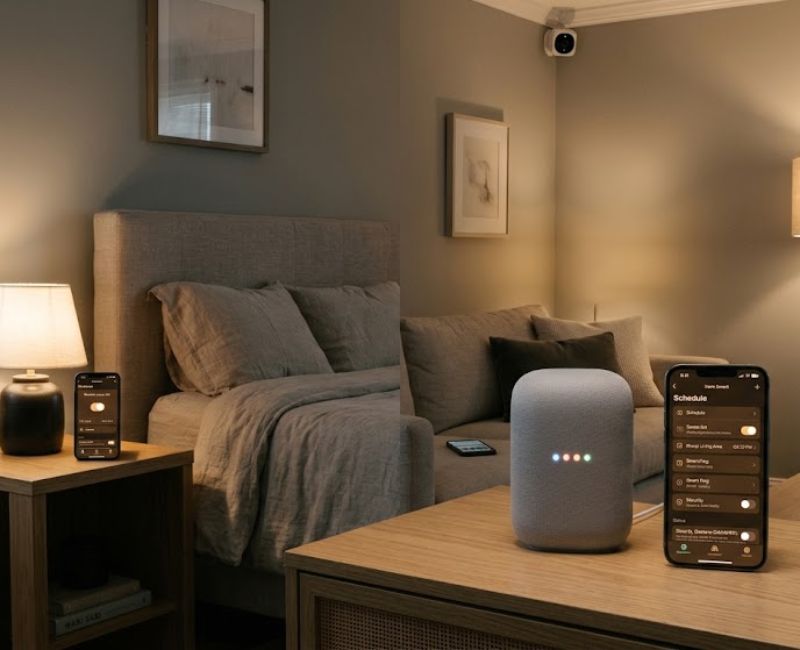
Stage 1: Start with a smart bulb and a smart plug to learn the basics.
Stage 2: Add routines once you understand how your devices behave together.
Stage 3: Expand into security, comfort, or energy devices like sensors, thermostats, or locks. For additional inspiration, check out these smart home improvement ideas to discover practical ways to make your home more comfortable, functional, and connected.
Common Mistakes to Avoid
A few habits trip up first timers who set up a smart home:
- Buying devices from different ecosystems that don’t communicate with each other
- Purchasing too many gadgets before testing how you actually use them
- Ignoring privacy and security settings, including default passwords
- Choosing overly complicated products when a simple option would do
- Forgetting to check Wi-Fi strength in the rooms where devices will live
- Buying advanced features you’ll likely never use
- Skipping firmware or app updates that patch security issues
- Not planning where each device will physically go before buying it
Frequently Asked Questions
What’s the cheapest way to get started?
A single smart plug or bulb is usually the most affordable way to set up a smart home, often costing less than takeout. Both need no installation and can move to another room if needs change.
Do I need a hub to get started?
No, many devices connect directly to your Wi-Fi and work through a phone app without a separate hub. A hub becomes more useful once you own several devices and want unified voice control.
Which device should I buy first?
Most beginners find the most value in a smart bulb, switch, or plug, since these are inexpensive and instantly noticeable. Choosing based on a habit you want to change works better than buying at random.
Is it worth doing this on a small budget?
Yes, even one or two well chosen devices can improve daily convenience or lower energy waste. You don’t need a fully connected house to see benefits, and it’s possible to set up a smart home without spending much.
Can devices from different brands work together?
Sometimes, but not always, which is why checking compatibility before buying matters. Devices supporting widely used connectivity standards tend to work across more ecosystems.
How do I keep everything secure?
Change default passwords, keep firmware updated, and review each app’s privacy settings. A separate Wi Fi network for smart devices adds another layer of protection.
Conclusion
Getting started doesn’t require a large budget or a house full of gadgets on day one. By picking a clear goal, choosing compatible devices, and expanding gradually, anyone can set up a smart home that fits their routine and budget. Starting with lighting or a plug, then adding routines and security over time, keeps things simple.
A smart home doesn’t need to be built at once. Focus on usefulness over novelty, prioritize compatibility, and let your setup grow as your needs change. With this approach, you can set up a smart home that feels effortless and well within reach.

Welcome to Cozy Escape Hub! I am Muhammad Hassaan, an AI Powered SEO and content writer with a 2 years of experience.
I help websites rank higher, grow traffic , and look amazing. My goal is to make SEO and web design simple and effective for everyone. Let’s achieve more together!